Product · Client Portal

Client Portal for real estate developers: payments, documents and signing

Your sales agent spends the day answering “did you get my payment?”. With the portal, buyers see it for themselves: their unit in 3D, their payment plan installment by installment, their receipts and their documents to sign online, with your company's branding.

My apartment · CarolinaUnit 804 · Tower B
Up to date
My propertiesDetails · 3D tour · gallery · floor plan
Signed
Reservation agreementSigned online
My payment planDown payment · 18 installments
11 of 18
Paid$47.666.663
Next installment$4.333.333 · October 5
Balance via mortgage$218.400.000 · 70 %
Latest receiptUnder review by your sales agent
In short

What is a client portal for a real estate developer?

It's the private, developer-branded space where buyers follow their purchase from the moment they reserve the unit until it's handed over. They log in and see their unit (details, 3D tour, gallery and floor plan) and their payment plan installment by installment, upload the receipt for each payment and sign their documents online. What they see comes from the same CRM the sales team uses, and the developer stops answering the same questions by phone.

What it does

What your buyer sees.

What they ask on WhatsApp today, when someone answers. You decide which sections are shown.

01 · of 06

A login with your brand

They log in to a portal with your logo, your colors and your own web address. If they forget their password, they recover it with a code via WhatsApp.

02 · of 06

Their properties

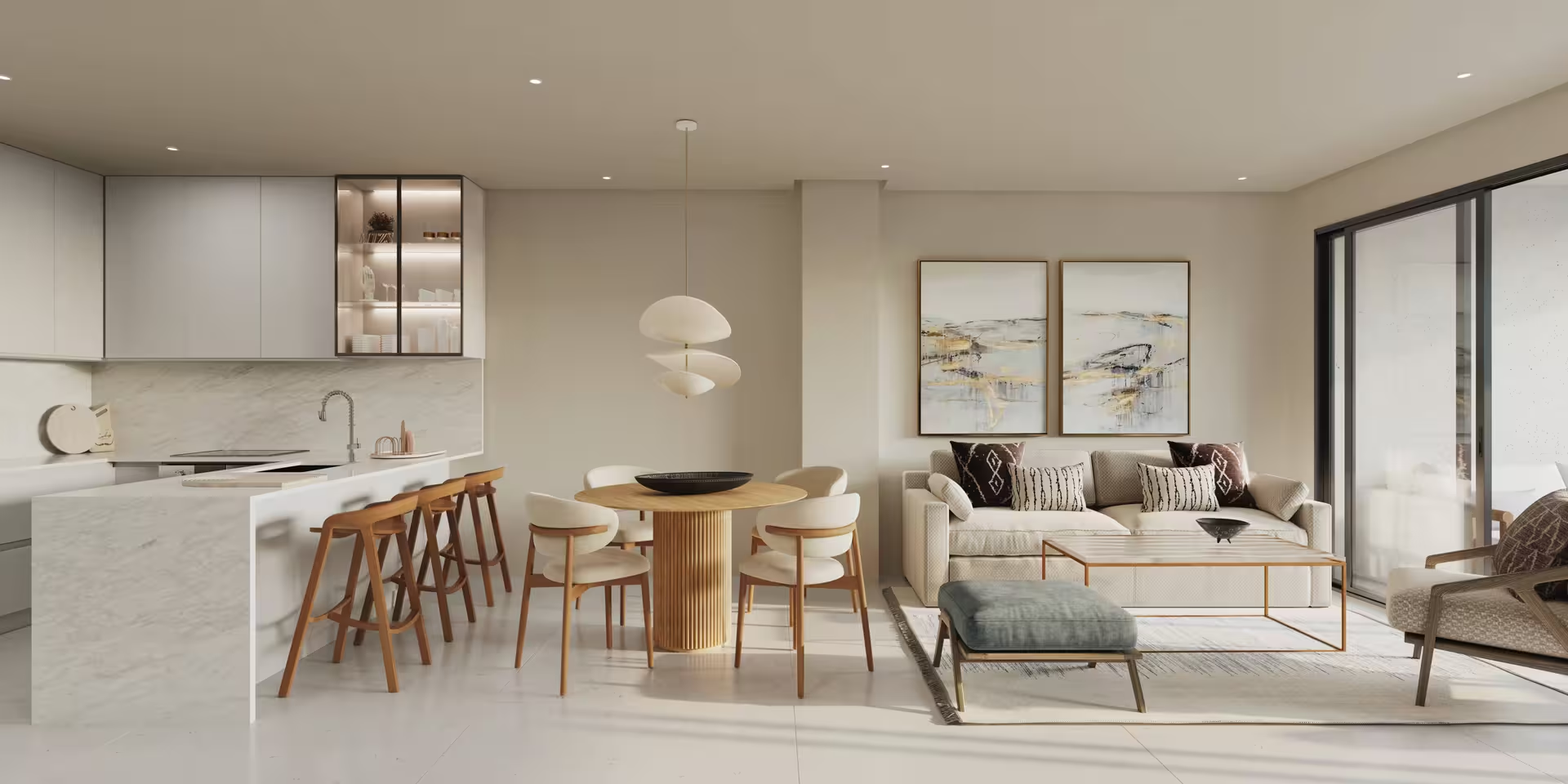
Each unit's details, the 3D virtual tour, the photo and render gallery, and the floor plan. If they bought in several of your projects, they switch between them.

03 · of 06

Their payment plan

In full, installment by installment, with the status of each: paid, pending or overdue. No need to request a statement.

04 · of 06

Their receipts

They upload the receipt for each payment, partial ones included, and see their history. Your sales agent reviews and approves it in one place.

05 · of 06

Their documents and signature

They sign their purchase documents online, from their phone or computer, like the reservation agreement. The direct link arrives by email.

06 · of 06

Reserve online

For prospects who haven't closed yet, you open a reduced version: they see their future unit, the price and the reservation deposit, sign and upload the receipt.

Post-sale

The cycle doesn't end at signing.

Without the portal
  • “Did you get my payment?” on WhatsApp, to the sales agent
  • Statements are requested by email
  • Receipts arrive scattered, by chat and by email
  • Reserving and signing require a trip to the sales office
With the portal
  • Their payment plan is in plain view, installment by installment
  • Each receipt arrives linked to its installment, and the sales agent approves it
  • Documents, payments and properties, in one place and with your brand
  • They reserve and sign online, no paperwork

Coming soon: construction progress (timeline, photos, milestones and estimated handover date), support with sales agent chat and FAQs, and owner benefits. They aren't in the portal today.

FAQ

Client Portal FAQ

What is a client portal for a real estate developer?

It's the private, developer-branded space where buyers follow their purchase: their properties (details, 3D tour, gallery and floor plan), their payment plan installment by installment, their receipts and their documents to sign online.

Does the portal show construction progress?

Not yet. Construction progress —timeline, photos, milestones and estimated handover date— comes later, as does support with sales agent chat. Today the portal includes properties, payments and receipts, documents with digital signature and online reservation.

Does the buyer see the full payment plan?

Yes, their own, installment by installment, with the status of each: paid, pending or overdue. They upload the receipt for each payment (partial ones included) and your sales agent reviews and approves it.

Does it replace the sales agent in post-sale?

No. It takes the repetitive questions off their plate —how much do I owe, did my payment arrive, send me the floor plan— so they can handle what truly needs a person. The portal has no AI agent.

Which plan includes the portal?

In the Visión 360 plan ($2.500.000 per month per project at preferred pricing, $2.750.000 standard, excluding VAT), the one that supports the buyer all the way to key handover: the Client Portal is the only thing it adds on top of Visión. In the diagnostic, we define whether your project needs it from the start.

NEXT STEP

Let's look at post-sale for one of your projects.

30 minutes, free. We review where your leads come from, what happens to them and how much work goes into repetitive tasks. You leave with your own numbers, whether you sign up or not.

You tell us what stage it's at and where it hurts.

We show up with your project analyzed, and if we're not right for you, we'll tell you.
Your details

  • AF+93
  • AL+355
  • DZ+213
  • AS+1
  • AD+376
  • AO+244
  • AI+1
  • AG+1
  • AR+54
  • AM+374
  • AW+297
  • AU+61
  • AT+43
  • AZ+994
  • BS+1
  • BH+973
  • BD+880
  • BB+1
  • BY+375
  • BE+32
  • BZ+501
  • BJ+229
  • BM+1
  • BT+975
  • BO+591
  • BA+387
  • BW+267
  • BR+55
  • VG+1
  • BN+673
  • BG+359
  • BF+226
  • BI+257
  • KH+855
  • CM+237
  • CA+1
  • CV+238
  • KY+1
  • CF+236
  • TD+235
  • CL+56
  • CN+86
  • CO+57
  • KM+269
  • CG+242
  • CD+243
  • CK+682
  • CR+506
  • HR+385
  • CU+53
  • CY+357
  • CZ+420
  • DK+45
  • DJ+253
  • DM+1
  • DO+1
  • EC+593
  • EG+20
  • SV+503
  • GQ+240
  • ER+291
  • EE+372
  • SZ+268
  • ET+251
  • FK+500
  • FO+298
  • FJ+679
  • FI+358
  • FR+33
  • GF+594
  • PF+689
  • GA+241
  • GM+220
  • GE+995
  • DE+49
  • GH+233
  • GI+350
  • GR+30
  • GL+299
  • GD+1
  • GP+590
  • GU+1
  • GT+502
  • GN+224
  • GW+245
  • GY+592
  • HT+509
  • HN+504
  • HK+852
  • HU+36
  • IS+354
  • IN+91
  • ID+62
  • IR+98
  • IQ+964
  • IE+353
  • IL+972
  • IT+39
  • CI+225
  • JM+1
  • JP+81
  • JO+962
  • KZ+7
  • KE+254
  • KI+686
  • XK+383
  • KW+965
  • KG+996
  • LA+856
  • LV+371
  • LB+961
  • LS+266
  • LR+231
  • LY+218
  • LI+423
  • LT+370
  • LU+352
  • MO+853
  • MG+261
  • MW+265
  • MY+60
  • MV+960
  • ML+223
  • MT+356
  • MH+692
  • MQ+596
  • MR+222
  • MU+230
  • MX+52
  • FM+691
  • MD+373
  • MC+377
  • MN+976
  • ME+382
  • MS+1
  • MA+212
  • MZ+258
  • MM+95
  • NA+264
  • NR+674
  • NP+977
  • NL+31
  • NC+687
  • NZ+64
  • NI+505
  • NE+227
  • NG+234
  • NU+683
  • KP+850
  • MK+389
  • NO+47
  • OM+968
  • PK+92
  • PW+680
  • PS+970
  • PA+507
  • PG+675
  • PY+595
  • PE+51
  • PH+63
  • PL+48
  • PT+351
  • PR+1
  • QA+974
  • RE+262
  • RO+40
  • RU+7
  • RW+250
  • KN+1
  • LC+1
  • VC+1
  • WS+685
  • SM+378
  • ST+239
  • SA+966
  • SN+221
  • RS+381
  • SC+248
  • SL+232
  • SG+65
  • SK+421
  • SI+386
  • SB+677
  • SO+252
  • ZA+27
  • KR+82
  • SS+211
  • ES+34
  • LK+94
  • SD+249
  • SR+597
  • SE+46
  • CH+41
  • SY+963
  • TW+886
  • TJ+992
  • TZ+255
  • TH+66
  • TL+670
  • TG+228
  • TO+676
  • TT+1
  • TN+216
  • TR+90
  • TM+993
  • TC+1
  • TV+688
  • UG+256
  • UA+380
  • AE+971
  • GB+44
  • US+1
  • UY+598
  • UZ+998
  • VU+678
  • VE+58
  • VN+84
  • WF+681
  • YE+967
  • ZM+260
  • ZW+263